E-commerceexample use case
AI customer support automation — without the risk of AI sending nonsense
Support keeps answering the same things: where is my parcel, how do I return an item, is it in stock. Complex cases wait behind simple ones. An AI agent triages tickets, adds context and drafts the reply — but a person always sends it.
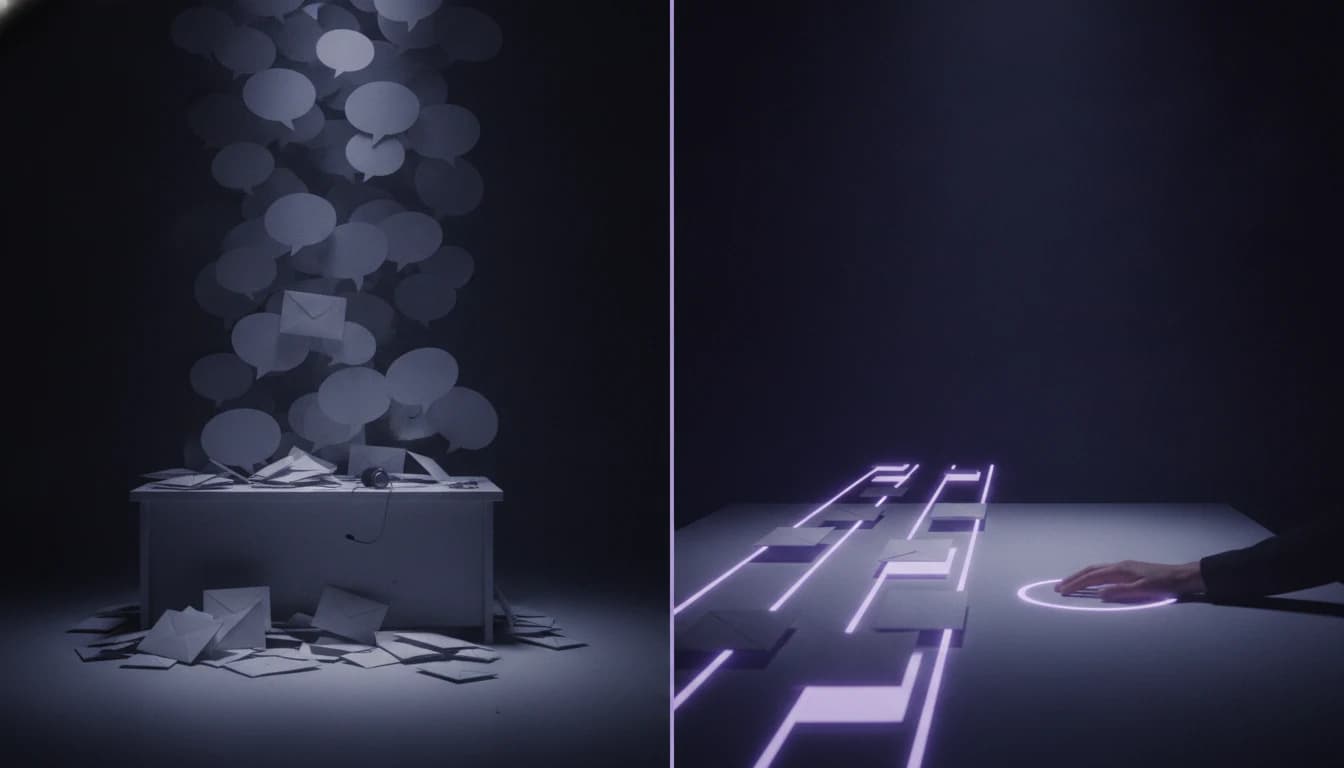
Sound familiar?
- Most tickets are repeat questions about shipping, returns and availability.
- The operator switches between the helpdesk, the shop and the carrier to find the status of one order.
- Urgent and complex cases wait in line because the queue is worked in arrival order.
- The chatbot you tried answered badly and customers asked for “a human”.
How it works

1. Triage and priority
Every email or ticket gets a category, a sentiment and an urgency. A complaint from an angry customer does not wait behind a question about colour.
2. Context added
Over MCP or API the agent pulls the order status, the carrier tracking and the customer history. The operator no longer has to look them up.
3. A draft reply from approved sources
The reply is built from your FAQ, terms and real order data — not from the model’s imagination. In your tone, in the customer’s language.
4. The operator sends, edits or discards
Nothing reaches the customer without a person. Where you want it, automatic replies can later be enabled for selected simple categories.
What the system handles
- Email, helpdesk (Freshdesk, Zendesk, Daktela, Help Scout), contact forms, Messenger and website chat.
- Slovak, Czech, English, German, Hungarian — the reply in the customer’s language.
- Connections to the shop (Shoptet, WooCommerce, Shopify, custom), the ERP and carrier APIs.
- Categories and templates built around your process, not generic ones.
- Reporting: what people ask about most and what a better product page would solve.
Human oversight and safety
- Draft-only mode by default: the agent proposes, a person sends.
- Replies rest on approved sources; if there are none, the agent hands the ticket over without a draft.
- Sensitive topics — complaints, legal questions, payments — always go to a person, regardless of confidence.
- Every draft is logged. We measure how many drafts operators send without editing.
What result is realistic
~40%
shorter first-response time
For a shop with dozens to hundreds of tickets a day we plan for a first-response time roughly 40% shorter and simple tickets closed by the operator in a few seconds. The biggest effect is not in people saved but in complex cases getting the time they deserve.
The figures are indicative for typical volumes. We give a precise estimate for your company after analysing the process.
Indicative scope
- Ticket analysis and category design
- €900 – €1,800
- Pilot on real tickets (2–4 weeks)
- €3,500 – €7,000
- Production rollout with helpdesk and shop integration
- from €6,000
- Operations, monitoring and evaluations
- from €390 / month
Prices are indicative and exclude VAT. We give an exact figure only after analysing your process — not off the cuff on the first call.
Frequently asked questions
Will it feel like talking to a robot?
The reply is sent by a person who sees it and can edit it. The tone and templates are yours. The customer gets a faster answer from a real operator — not from a chatbot going round in circles.
Can the AI reply fully on its own?
Technically yes, and for simple categories (parcel status) some clients enable it after the pilot. We recommend starting in draft mode and deciding on measured accuracy, not on impressions.
What if the customer asks something that is not in the FAQ?
The agent triages the ticket and adds context but does not draft a reply — it hands the ticket to the operator. Such questions are also collected so you know what to add to the FAQ.
We use a specific helpdesk. Can it connect?
Most helpdesks have an API or webhooks. If yours does not, we can work directly with the mailbox.
Related service
AI agents & automation
We build this solution as part of our service „AI agents & process automation“.
An agent that processes emails, orders and invoices instead of your teamRead more
- How to automate a shared company inbox: rules, a helpdesk, Make or AI?Email automation for a shared inbox: when Outlook or Gmail rules are enough, when a helpdesk or Make will do, when you need AI sorting. Risks, GDPR and costs.
- AI agents vs. chatbots: what your company actually needs in 2026A chatbot answers. An agent acts. The difference is whether AI can see your systems and do something in them — and that is exactly where the return is decided.
- RAG without illusions: why your company chatbot lies and how to fix itUploading a PDF to a chatbot takes five minutes. Building a knowledge base you can trust takes considerably longer — and the difference is three things a demo never shows.
More solutions
 Wholesale
Automating email orders into your ERP with AI
~70% · of orders handled without a human Accounting
Automated invoice and delivery note processing with AI
< 3 months · typical payback period Distribution
Email automation: a shared inbox that sorts itself
~80% · of emails sorted and routed without a humanIf your support team writes the same three replies every day, we can give it back the time for the ones that do not repeat.
You do not need to know whether you need AI, automation or a new system. Show us the process that slows you down — we will tell you what can be automated and whether it pays off.